Recommended for email
Dark and Light Mode Safe Email Logo
Uses the exact Technical Request horizontal wordmark shown in the email brand kit with a solid #F3F4F6 background baked into the downloaded PNG.
2048 x 682 PNG

Media & Brand Assets
Download the Technical Request logo in various sizes. All files are PNG format for universal compatibility on mobile and desktop.
Featured Logos
Monogram and full brand lockups for light and dark uses.

Full-color square wordmark
Complete TechnicalRequest.com logo for square placements


Marketing Email Brand Kit
Use these assets and settings in HubSpot's drag-and-drop email editor so every campaign shares the same visual system.
Large light wordmark
High-visibility horizontal logo for white email headers
2172 x 724 PNG
Download PNG


Outlined email wordmark
Lighter outlined mark for clean white email layouts
2172 x 724 PNG
Download PNG
PRACTICAL GUIDANCE
A clear next step for your technology
Keep the message useful, direct, and easy to scan. Lead with the reader's problem, explain the practical value, and end with one clear action.
Email design settings
- Content width
- 600px
- Font stack
- Arial, Helvetica, sans-serif
- Body size
- 16px / 1.6
- Button minimum
- 57px high
Brand colors
#2563EBBrand blue#111827Heading#475467Body#F3F4F6Canvas#E5E7EBDividerEnter these hex values in HubSpot in this order: primary, secondary, then the three accent slots.
Fonts
Geist Sans
600 Semibold · Headings and buttons
"Geist Sans", Arial, Helvetica, sans-serifGeist Sans
400 Regular · Paragraphs and supporting text
"Geist Sans", Arial, Helvetica, sans-serifArial
400 Regular · Email clients without Geist Sans
Arial, Helvetica, sans-serifUpload this file as a custom font if Geist Sans is not in HubSpot's font picker.


Build once in HubSpot
- Apply the Technical Request Brand Kit.
- Start with a responsive drag-and-drop template.
- Add the light header at 600px display width.
- Use one headline, one message, and one primary button.
- Add a feature image only when it supports the message.
- Keep HubSpot's office address and preference links.
- Preview on desktop and mobile, then send a test email.
- Save the finished email as the reusable master template.
Cold LinkedIn Ad Creative
Six square problem-recognition creatives selected for the cold-audience engagement test.
AI Automation
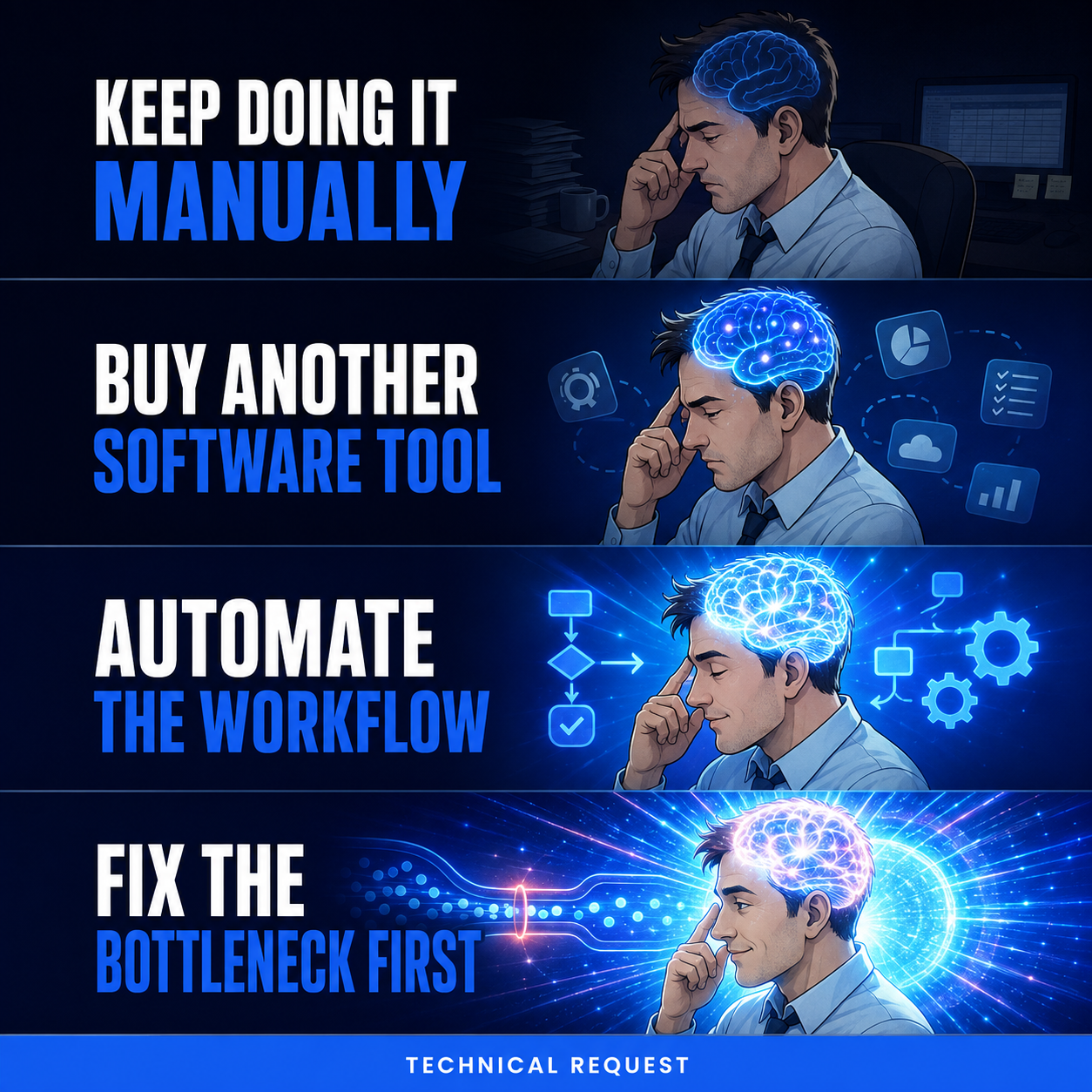
Fix the workflow bottleneck
Problem-recognition creative for cold LinkedIn audiences.
Download PNG
AI Automation
Practical automation
Relatable workflow problem creative for cold LinkedIn audiences.
Download PNG
AI Automation
Fix the workflow first
Contrarian workflow message for cold LinkedIn audiences.
Download PNG
Cybersecurity Readiness
Check your cybersecurity readiness
Problem-recognition creative for cold LinkedIn audiences.
Download PNG
Cybersecurity Readiness
Know your security gaps
Security-policy and control-gap creative for cold LinkedIn audiences.
Download PNG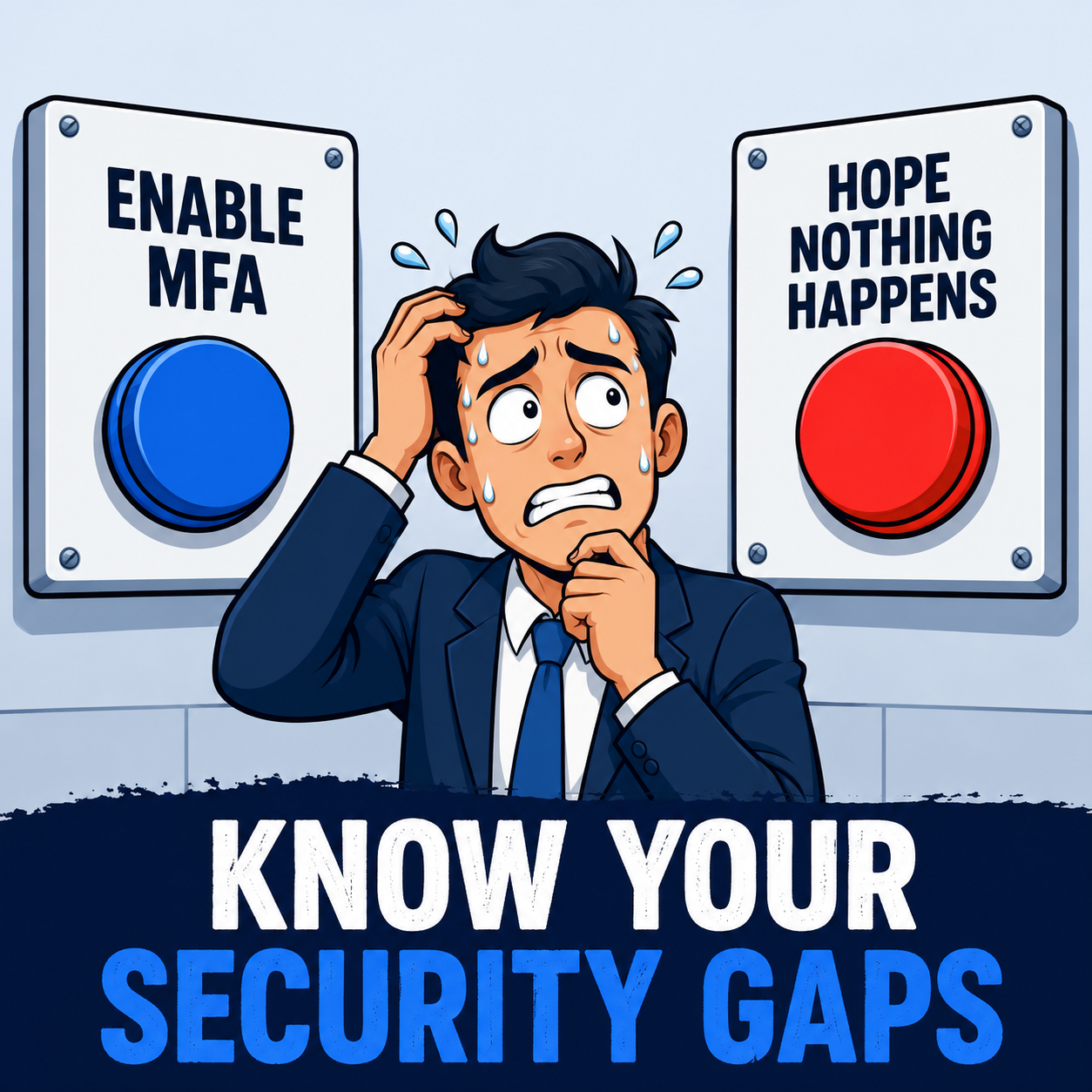
Cybersecurity Readiness
Make MFA consistent
Practical security-habit creative for cold LinkedIn audiences.
Download PNGDownloads






Usage Guidelines
Do
- Use the dark variant on light backgrounds
- Use the light variant on dark backgrounds
- Maintain the original aspect ratio
- Use the provided PNG sizes when possible
Don't
- Alter the logo colors or proportions
- Add effects like shadows or gradients
- Place the logo on busy or low-contrast backgrounds
- Stretch or distort the logo